Save what is open
Save your current window or all open windows before switching tasks or closing tabs.
Backup-first Chrome tab recovery
Start with a local recovery layer: save sessions, keep local snapshots, export JSON backups, and restore work without creating an account.
Start with local recovery layers. Add Pro recovery layers when tabs matter.
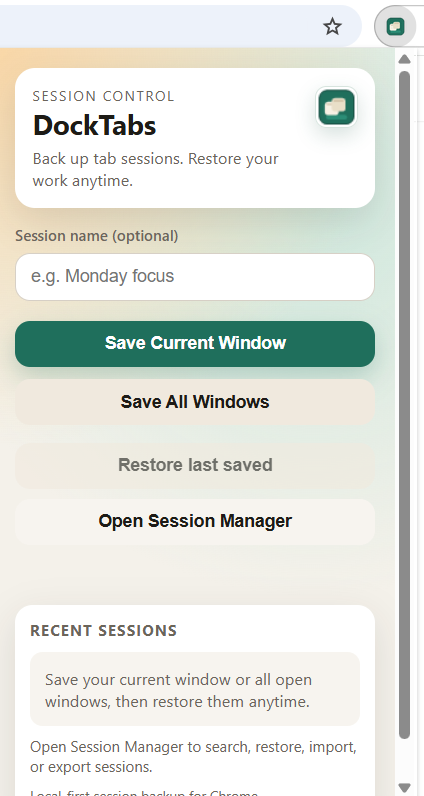
Save your current window or all open windows before switching tasks or closing tabs.
Reopen a full session, one saved window, or one tab when you need to pick up where you left off.
Use automatic local snapshots and JSON export backups to keep your browsing context recoverable.
Search, sort, restore, import, export, rename, and delete from one recovery-first workflow.
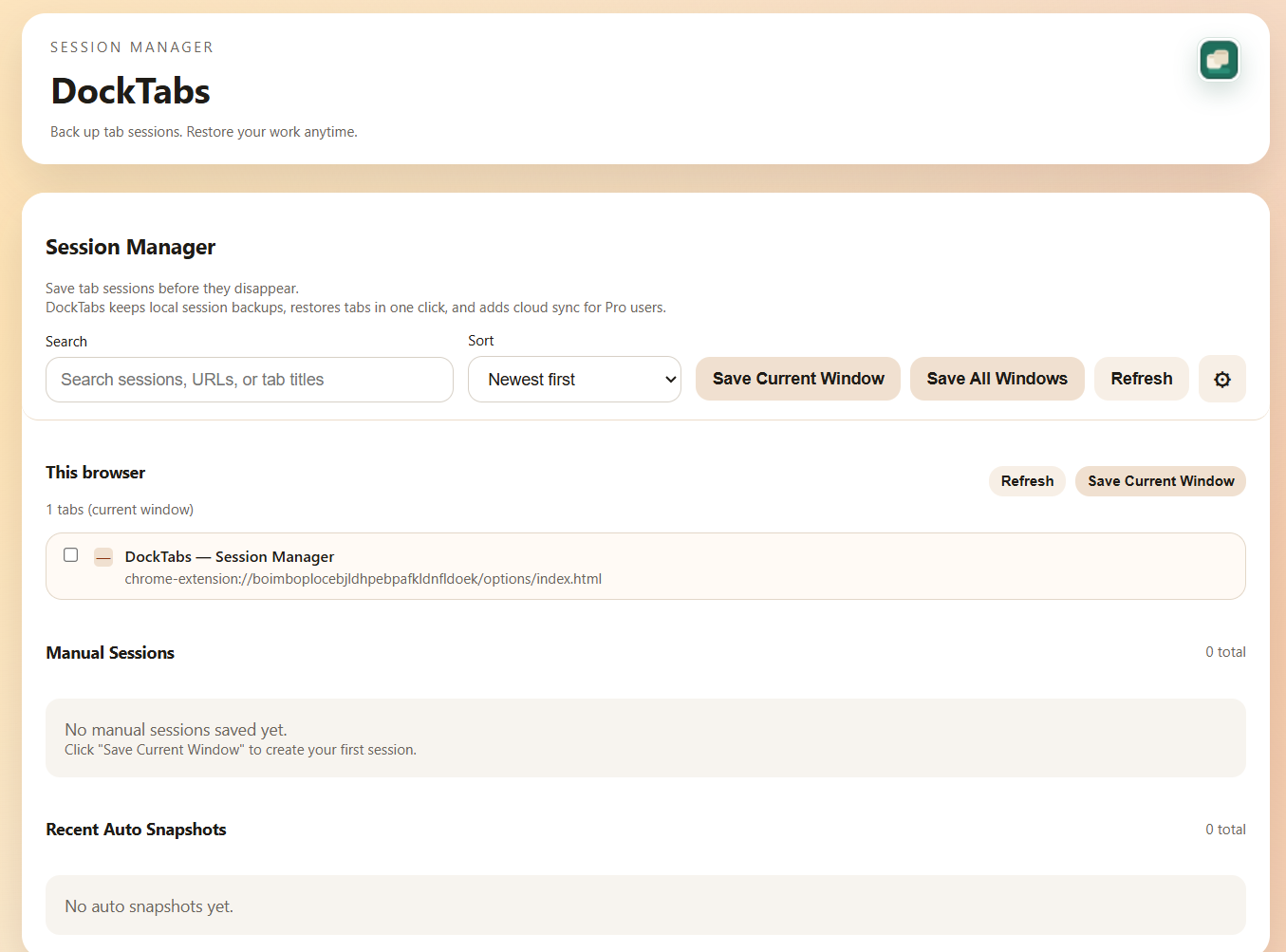
Free works fully for local backup and recovery on this browser. Pro adds extra recovery layers for cloud backup, version history, restore previous versions, and cross-device recovery.
Local backups on this browser still remain available even if you later choose Pro sync.
Guides
Task guides for restore, save, backup, export, and import workflows.
Alternatives
Fair comparisons for users moving from workspace platforms or cleanup-only lists to backup-first recovery.
Why DockTabs is different
Local-first tab session backup for Chrome: no-account start, backup-first workflow, and optional cloud sync later.
DockTabs helps you back up Chrome tabs before they disappear, then recover with local saves, snapshots, and JSON backups.
Yes. DockTabs works locally on this device with no account required.
Yes. Export JSON backups for safekeeping and import them later to recover or move sessions.
DockTabs keeps saved sessions and local snapshots in extension storage on this browser unless you export JSON or use Pro cloud backup.
Use the Help and Support pages for setup guidance and troubleshooting steps.